Scan instead of writing down – in the warehouse, at the machine, on site.
Five apps accompany every bundle from delivery to the construction site. They run on rugged Android and Windows devices and write everything directly into LP-SYSTEM – no paper, no retyping.
Click your way along the path – from goods receipt to the unloading point. Shortlist the apps you are interested in.
App · Warehouse
Goods Receipt
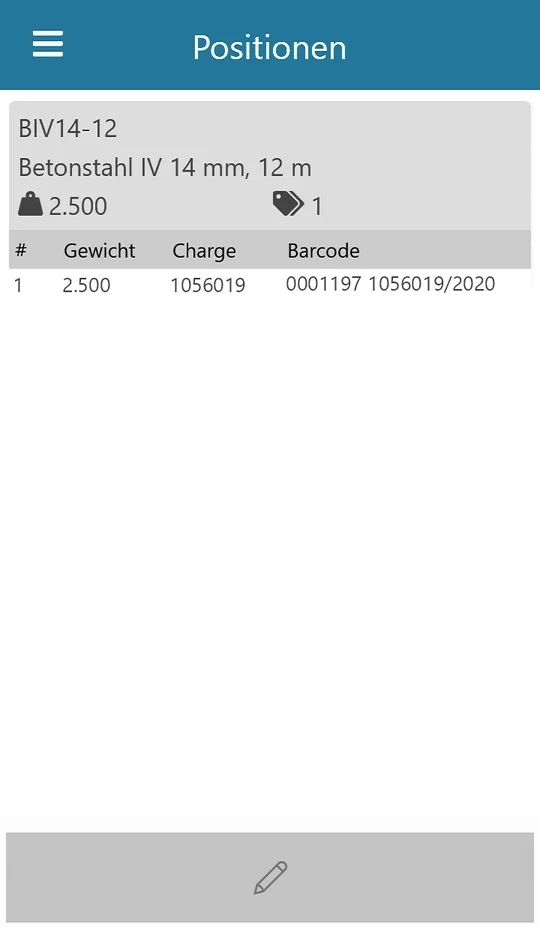
Scan the supplier's bundle tags directly while unloading and record the batch number and weight per bundle – instead of typing them up later in the office.
How it works
1Scan the purchase order barcode
2Select a goods receipt or create a new one
3Scan the order item
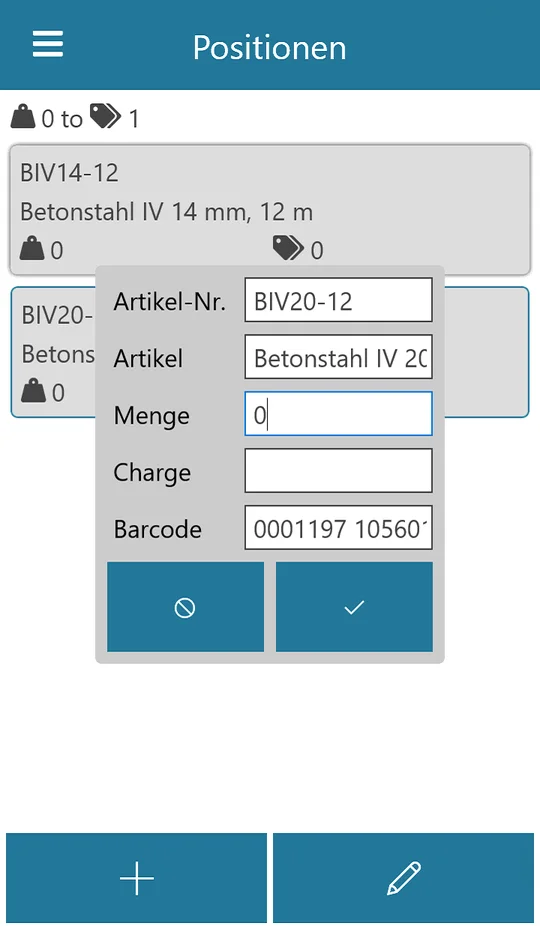
4Scan the bundle tag – add weight and batch
5Save, check in LP-SYSTEM and “Post to stock”
Supports ISB and MillTag barcodesTolerance for weight deviationsRecord bundles even without individual weight
Record inventory quantities per bundle by scanner. A total line is created automatically for each article, and the bundles are taken over with their receipt weight.
How it works
1Create the inventory in LP-SYSTEM
2Select the inventory in the app
3Scan bundles – totals per article are updated as you go
4Correct the weight if necessary
5Save and check in LP-SYSTEM
Automatic totals per articleReceipt weight is carried overBatches traceable per bundle
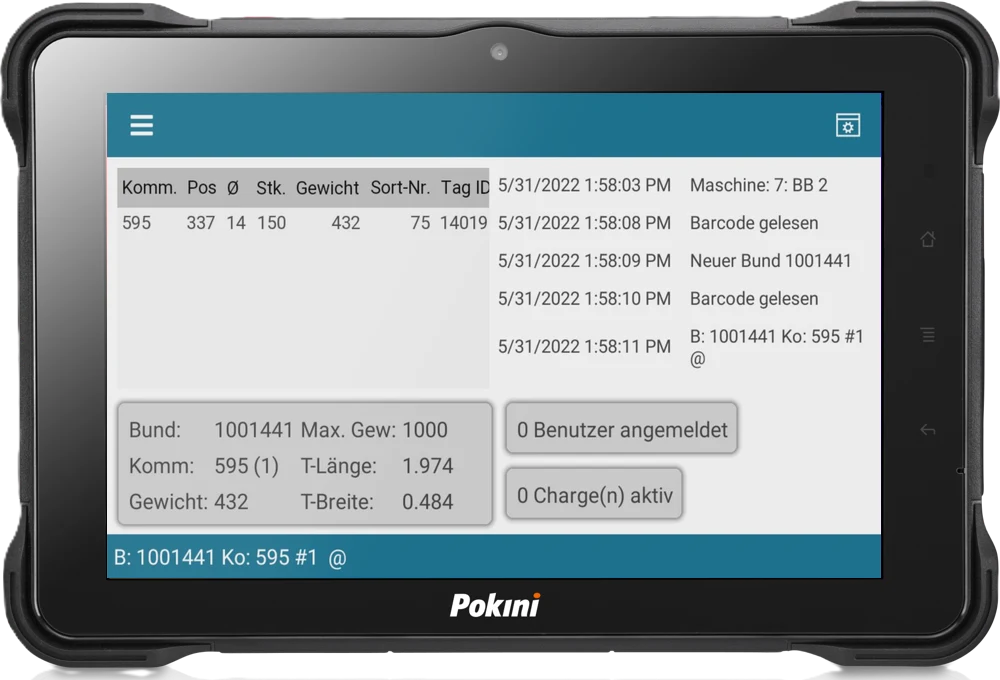
At the machine: report items as produced, download data to machines, log in operators, manage batches and build bundles – all by scan, live in LP-SYSTEM.
How it works
1Select the machine – or assign it permanently
2Scan the employee card
3Start a batch: scan the batch tag
4Scan the tag – the item is reported as produced
5Scan the bundle tag and add items to the bundle
Items and messages liveGraphic of the bending shapeChoose columns by drag & dropManual barcode entry for damaged tags
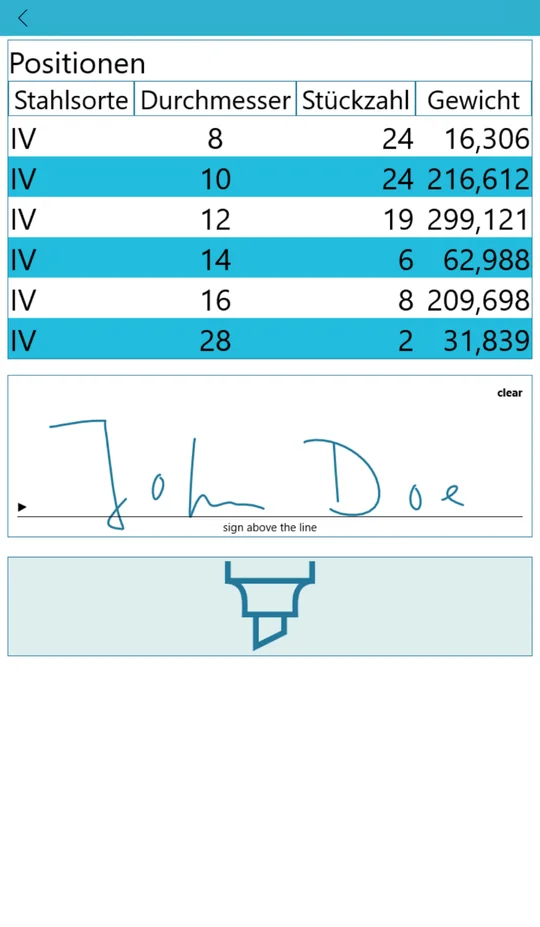
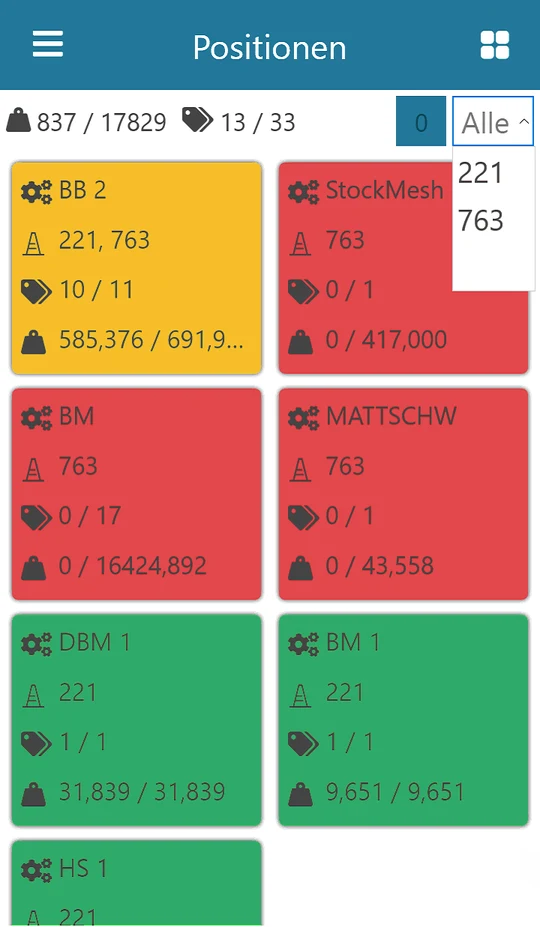
During loading, every bundle and every item is scanned and checked immediately against the load and delivery note. Once a machine is completely loaded, its tile turns green.
How it works
1Scan the load sheet or delivery note
2Tiles appear for each hall and machine
3Scan bundles and items – tiles turn green
4Save – or pause and continue later
Filter by jobRecord delivery accessories directlyImmediate warning for wrong load or double scanResult available at any time in LP-SYSTEM under “Loads”