
From CAD straight into the schedule
The data arrives as your customers and engineers supply it – and ends up checked in LP-SYSTEM. Schedules from the webshop also take this route.
No double entry
Items from CAD are taken over, not retyped.
Including 3D bending shapes
Shapes are assigned and displayed true to scale.
Checked before import
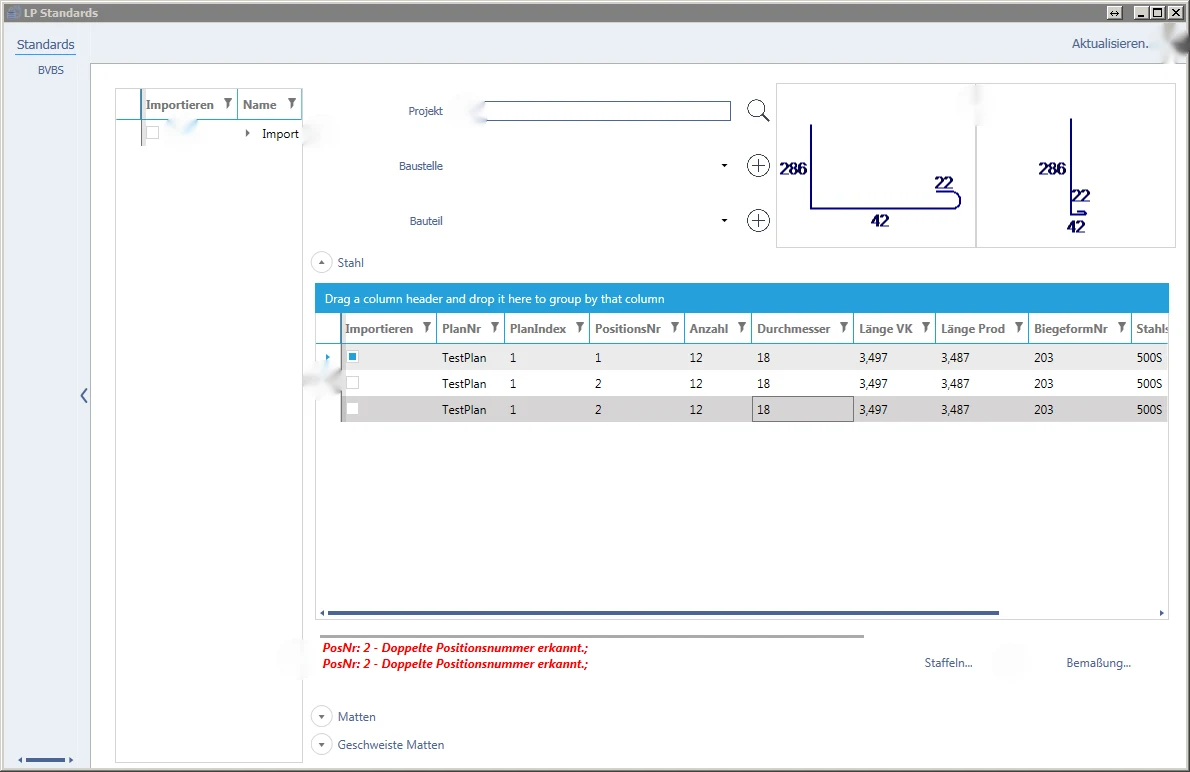
Errors are listed per item – and disappear as soon as they are fixed.
For precast plants
Many schedules, many items – taken over quickly and cleanly.
Check before importing
Click on an area – we will show it in the picture and explain what happens there.
From CAD schedule to item in five steps
Click through an import.
Log in
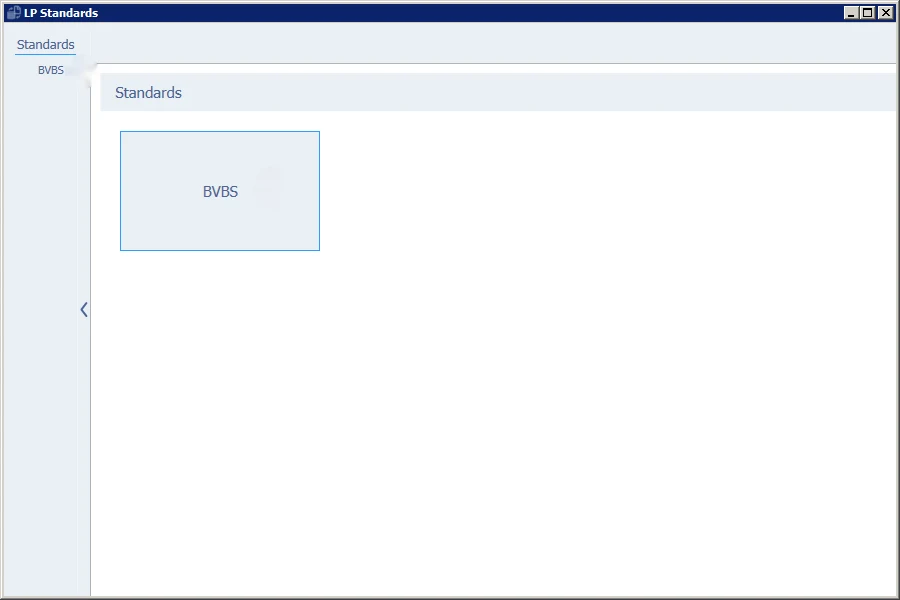
Log in with your LP-SYSTEM credentials, choose branch and language – then the interface, for example BVBS.
Select schedules
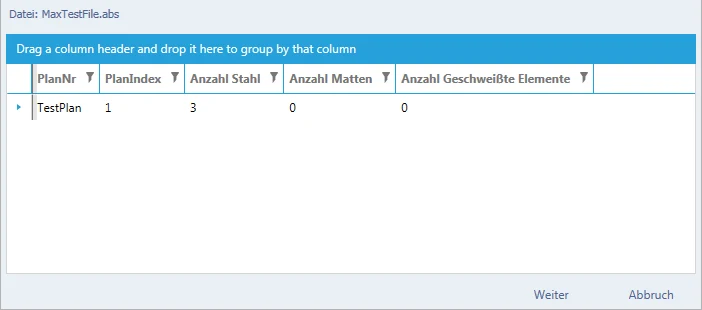
Select the file – importable schedules are already marked. Adjust header data such as schedule number and index if necessary.
Check items
Correct errors per item, check dimensions, group items – with graphical preview.
Choose target
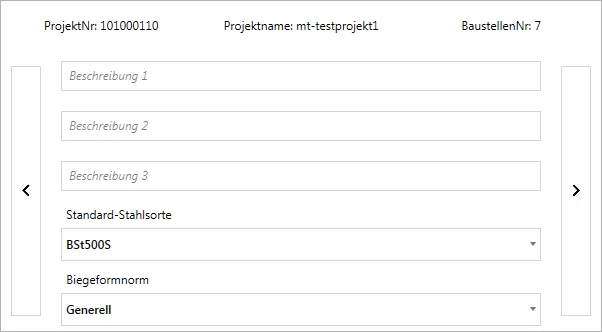
Select project, site and component – create missing sites and components directly.
Run
One click on “Run” – the schedules with all their items are ready in LP-SYSTEM.
Which formats do your customers supply?
Send us a sample file – we will show you how the Multi-Import takes it over into LP-SYSTEM.